
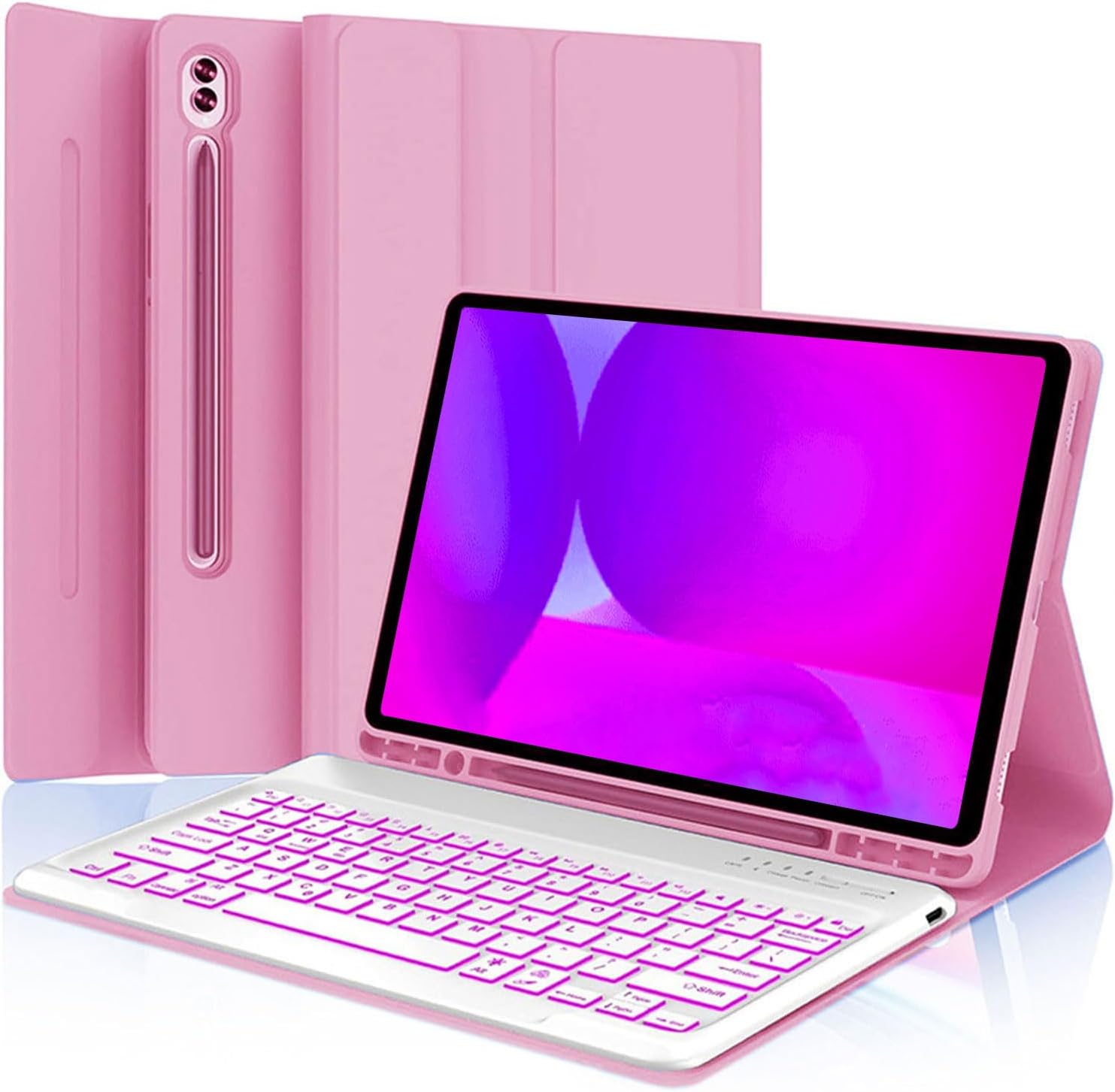
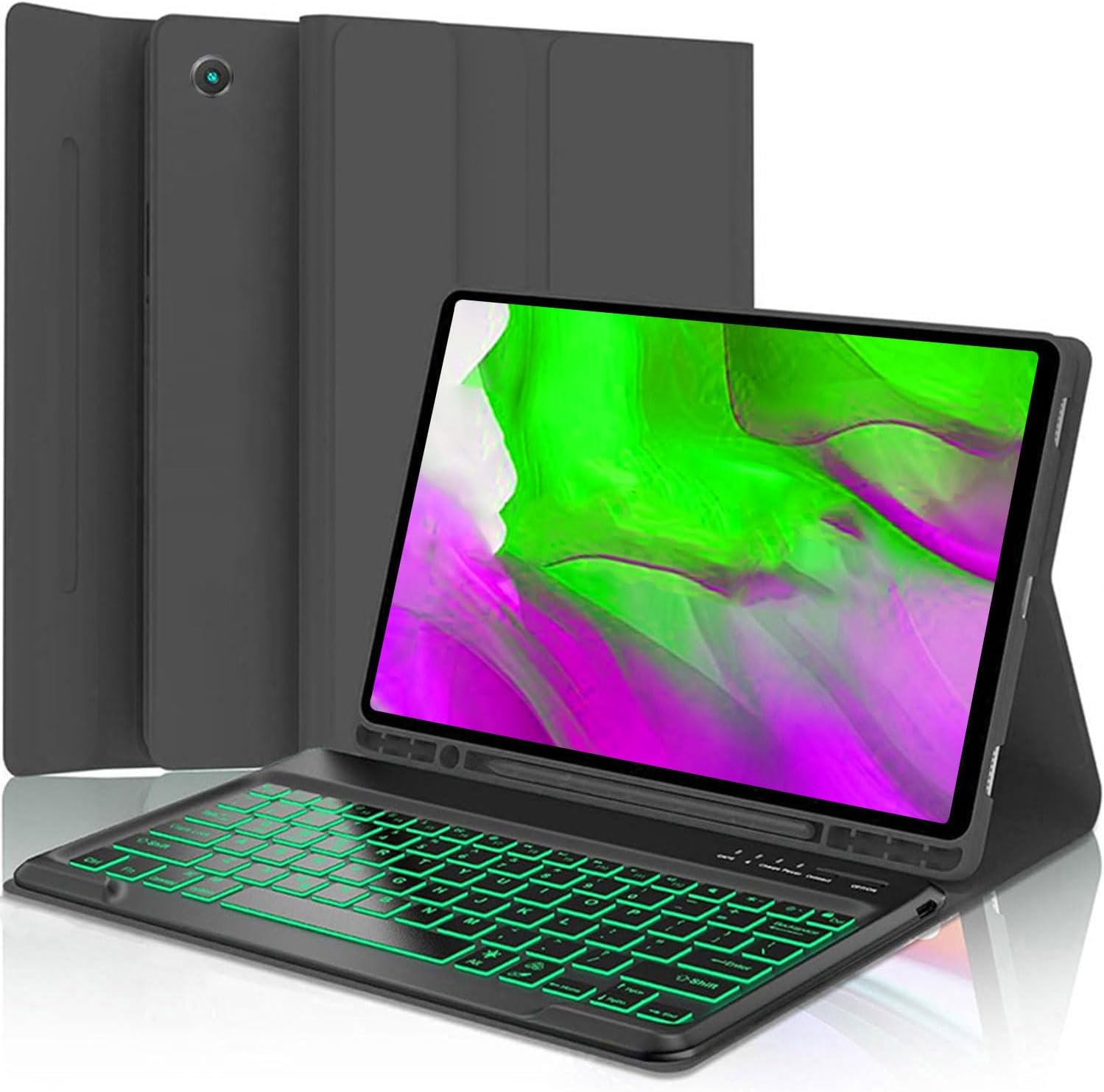
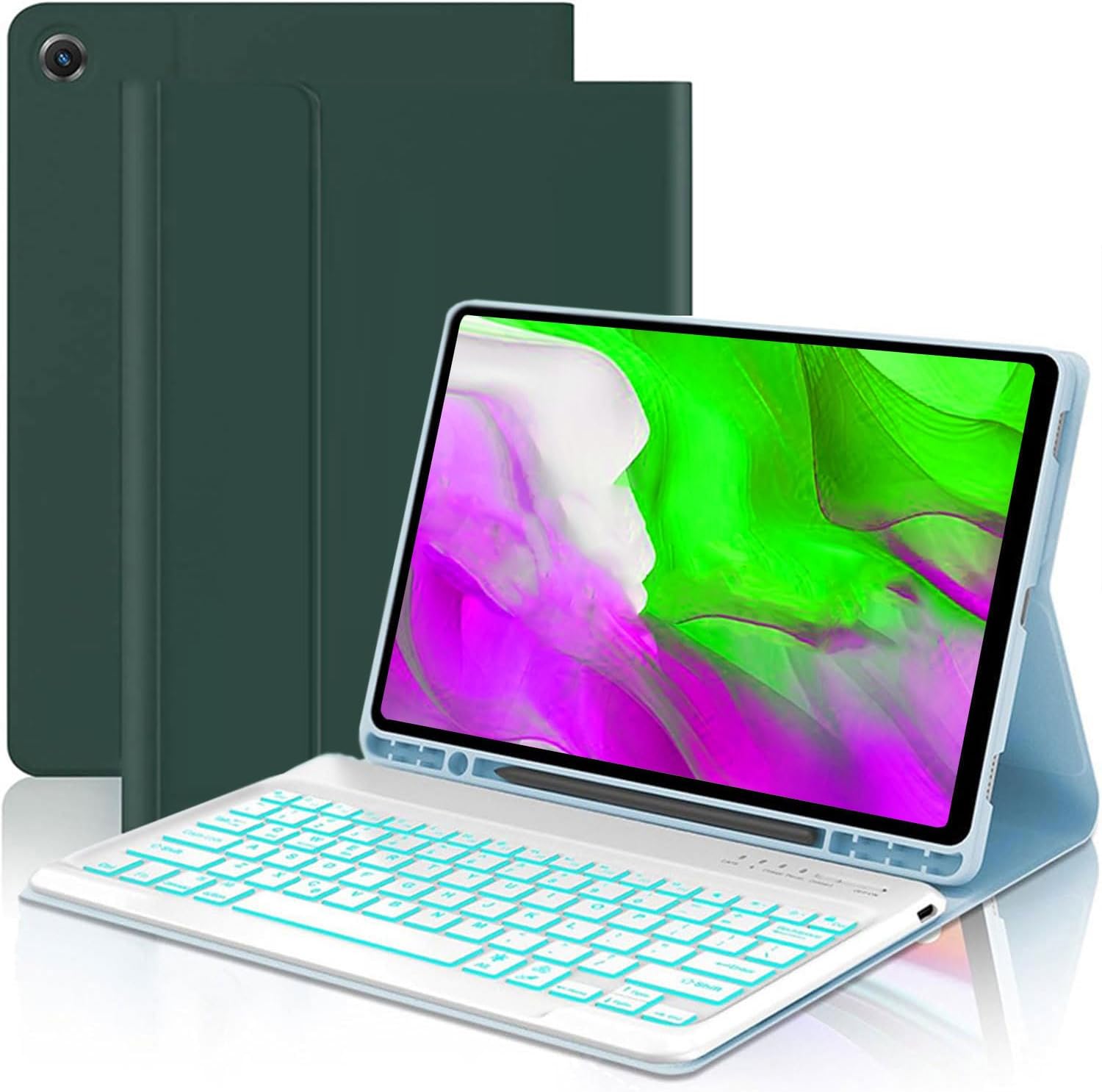
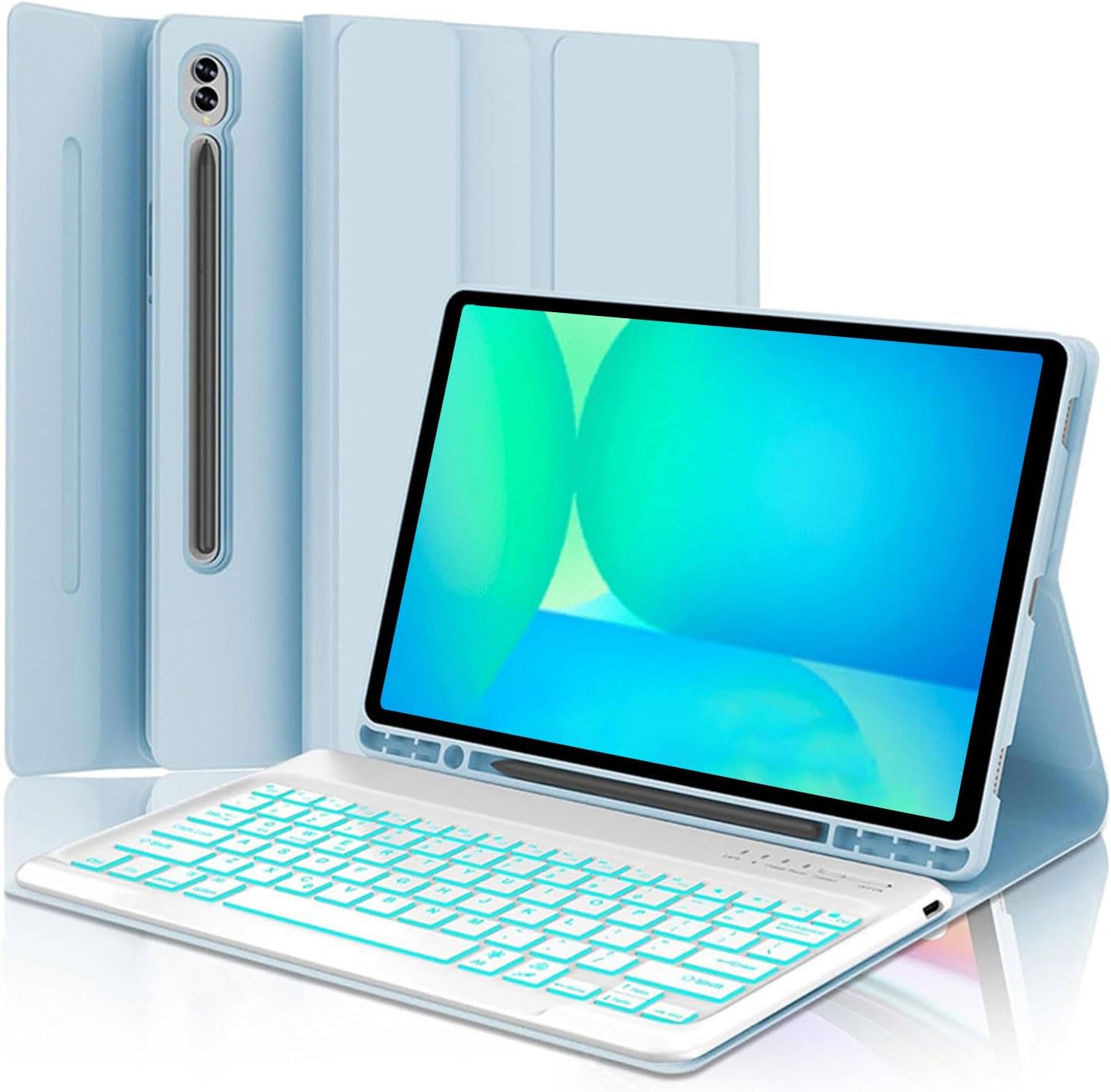
Keyboard Case for Samsung Galaxy Tab 10 FE Plus 13.1inch, S10 FE+ Smart Keyboard Case Magentic Keyboard Cover with S-Pen Holder, Pink
Product details
| Management number | 208611994 | Release Date | 2026/03/22 | List Price | $16.00 | Model Number | 208611994 | ||
|---|---|---|---|---|---|---|---|---|---|
| Category | |||||||||
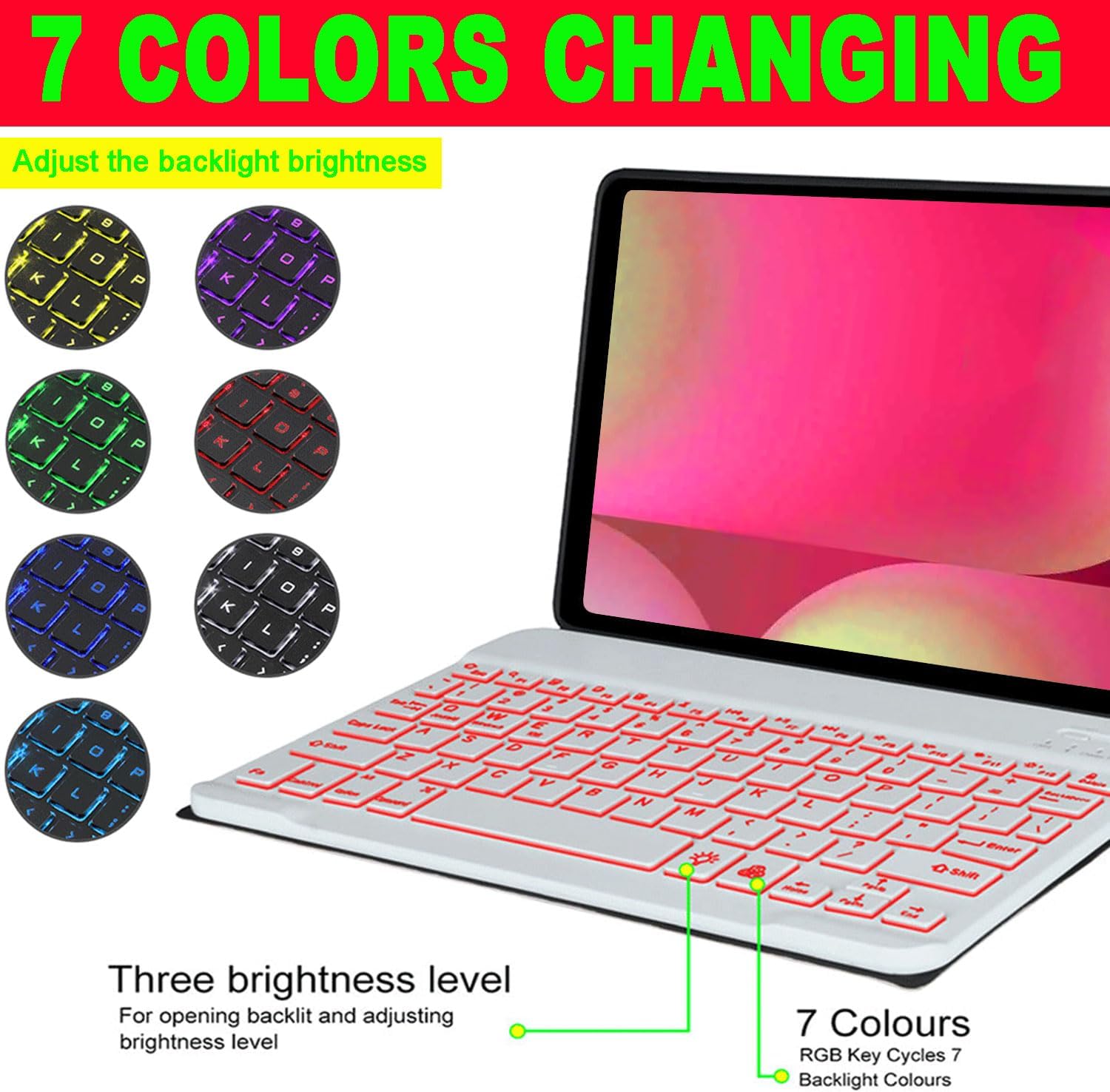
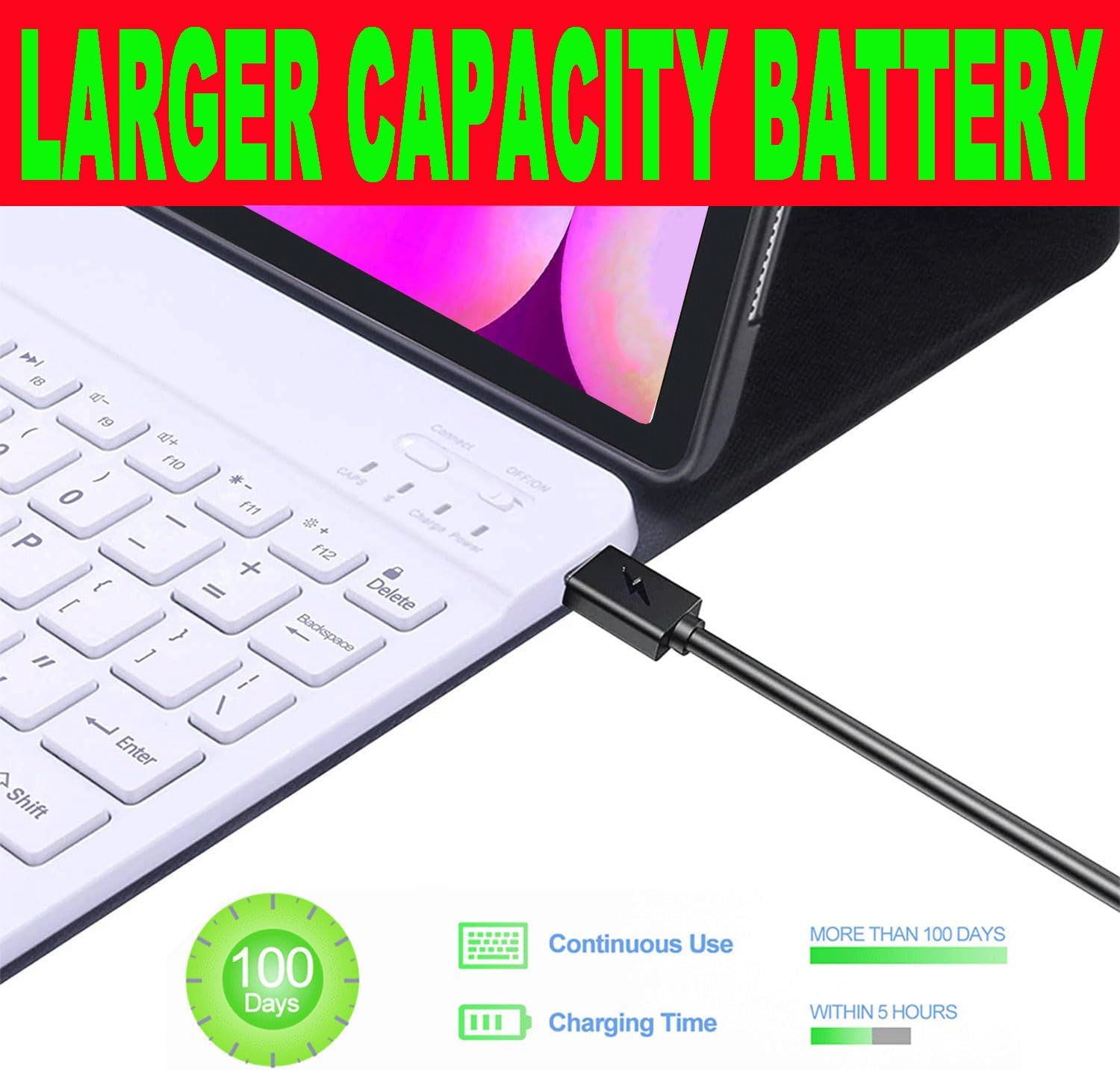
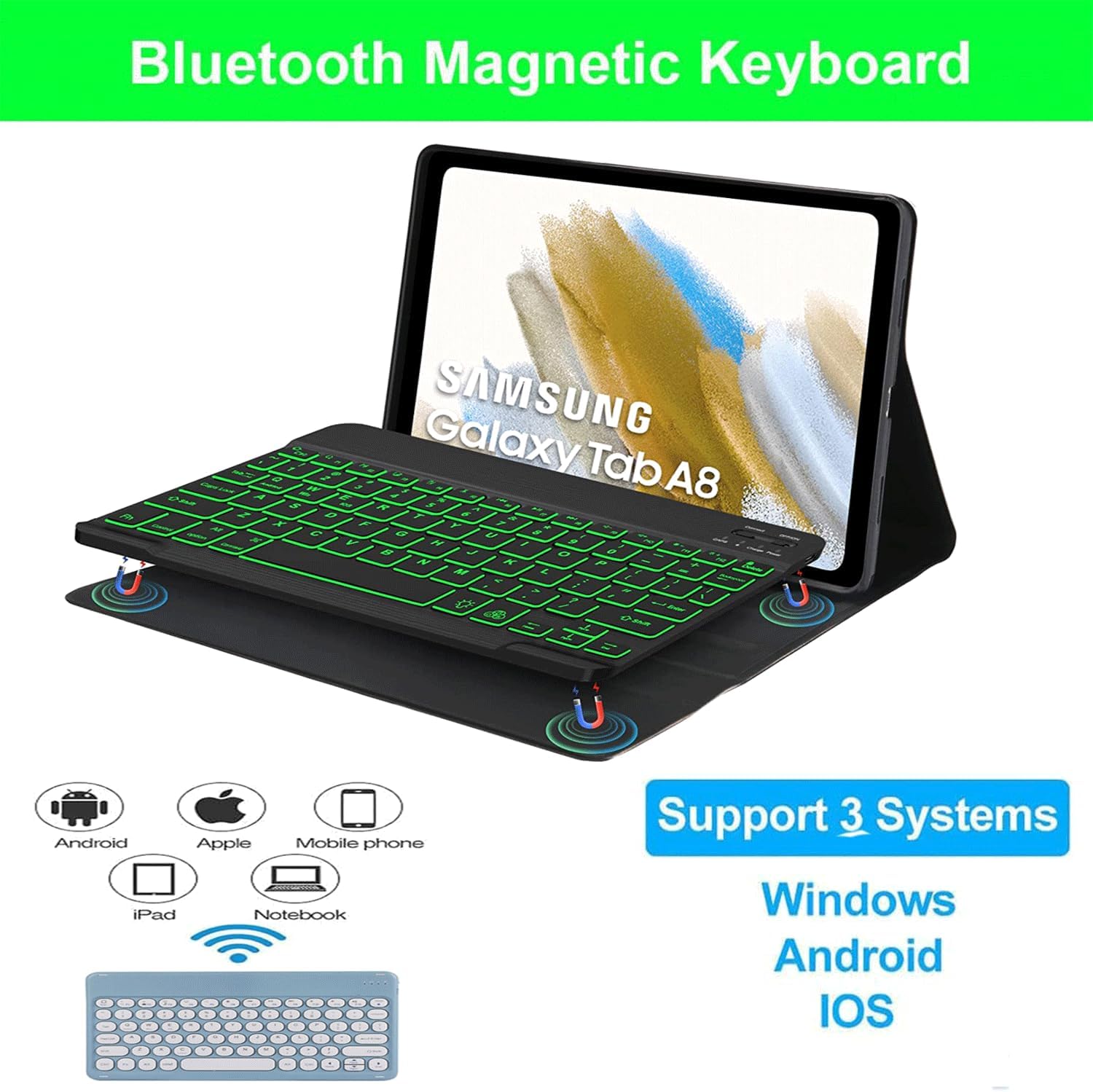
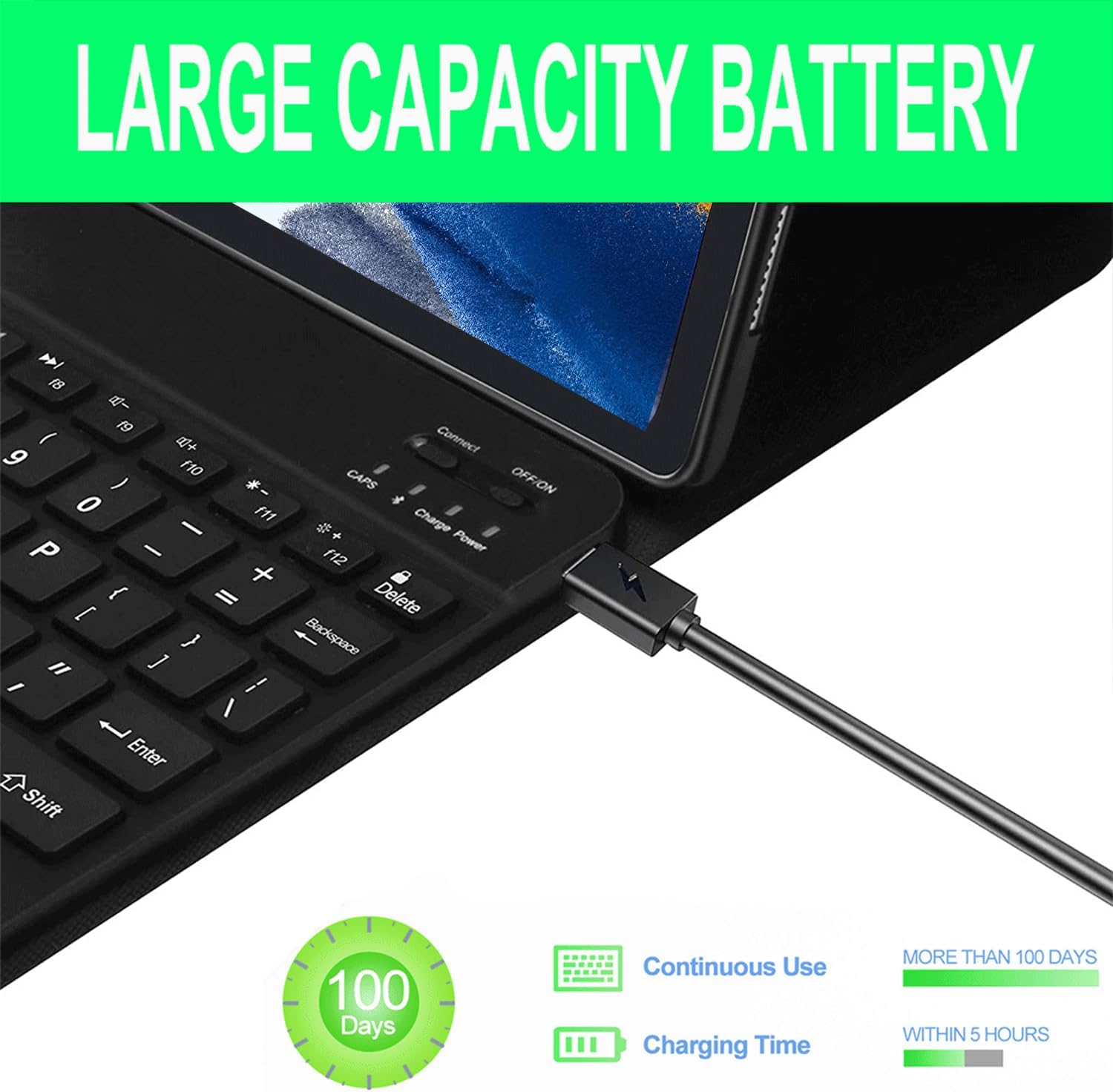
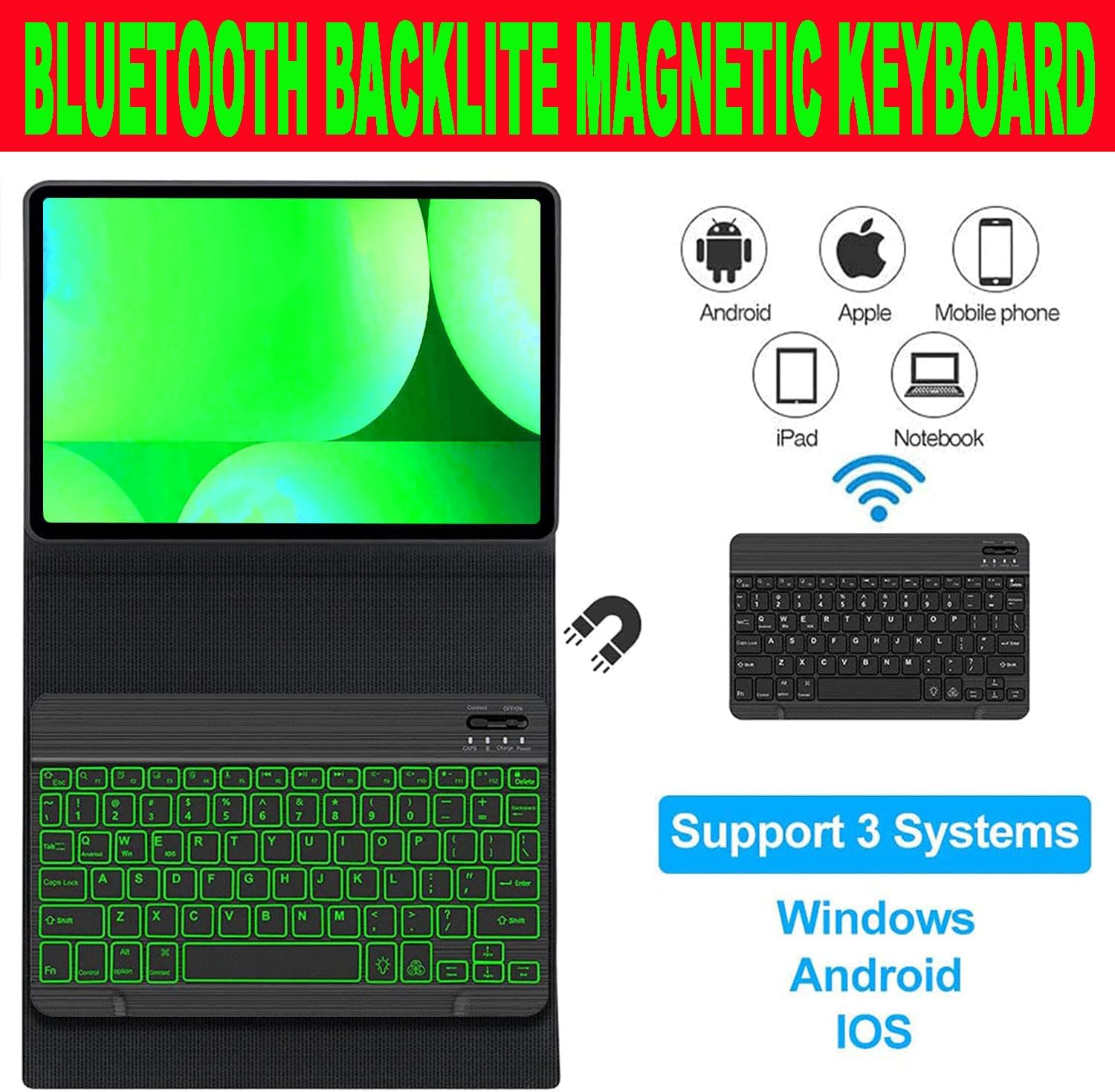
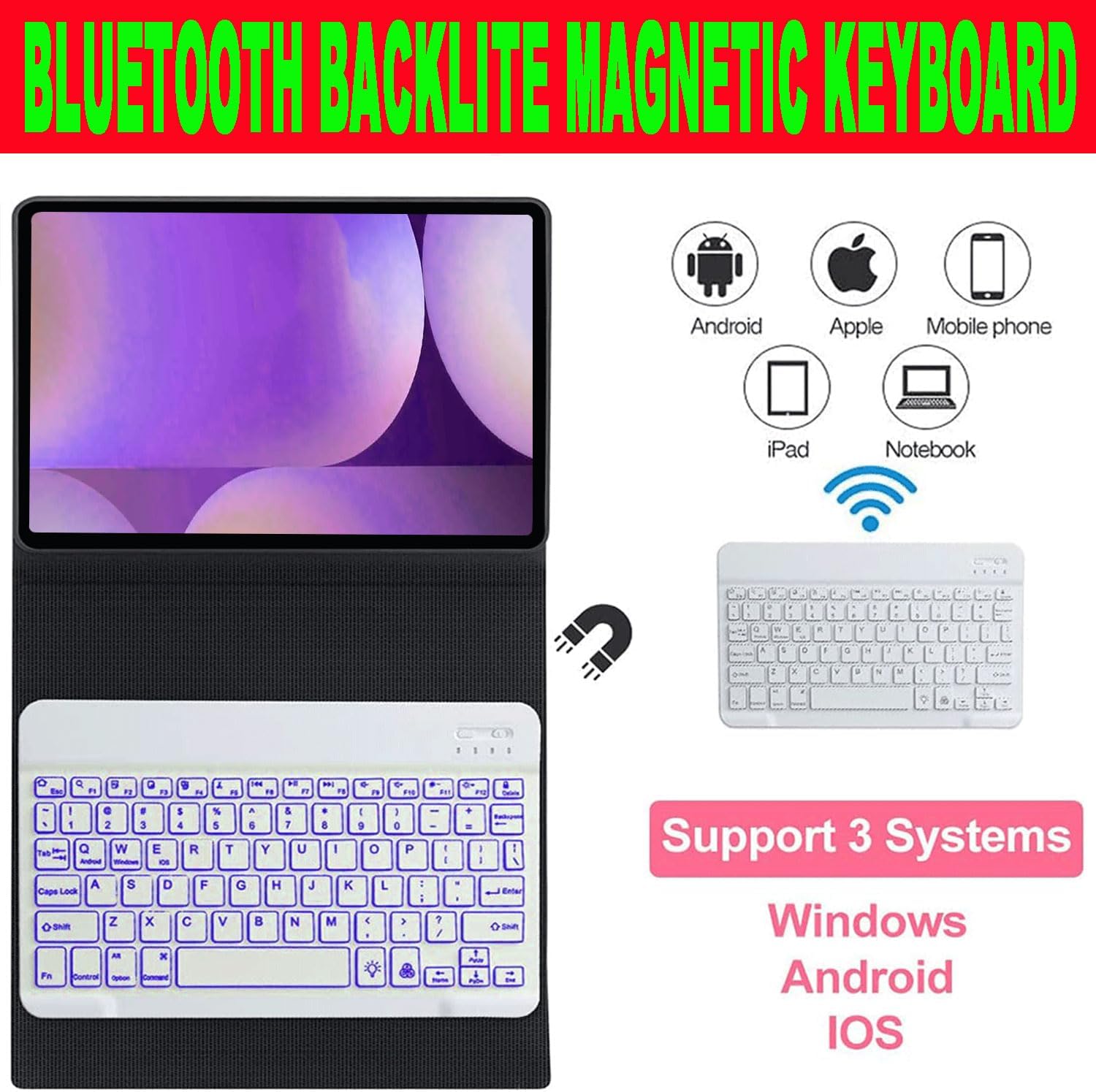
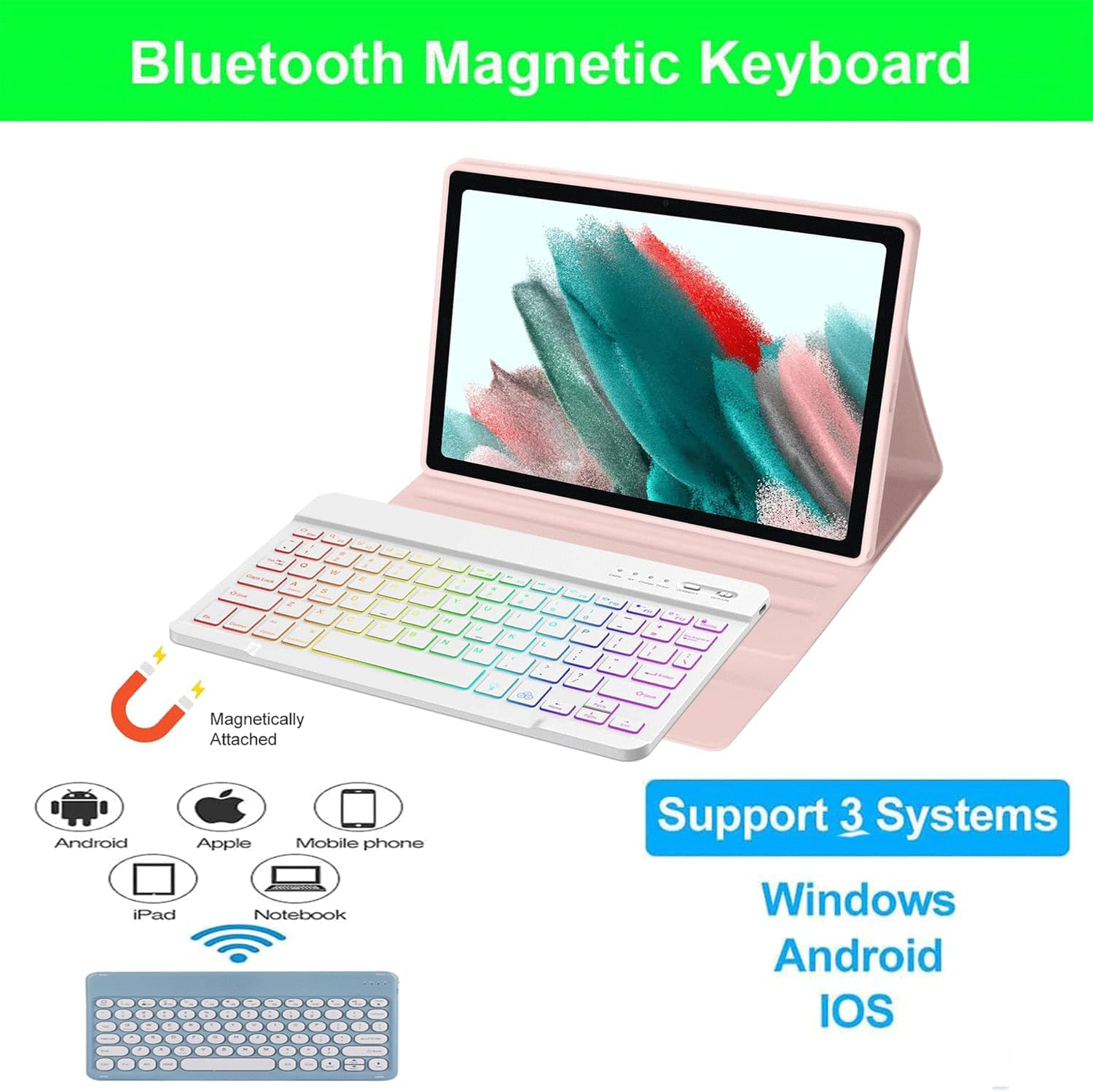
How to connect the Bluetooth keyboard?1. Open the case, and insert the tablet into the case.2. Dial ON/OFF button on right direction for opening keyboard, press ” FN+C” into wireless matching condition.(The Bluetooth light blinks slowly)3. Open bluetooth on device, search keyboard name(Bluetooth Keyboard 3.0) for matching device to keyboard4. Click the "Bluetooth Keyboard 3.0" to connect, finish.Product Features:1. Magnetic removeable keyboard2. Converts from to stand3. Stylish PU leather Covering/ case4. With front and rear-facing canera holesSpecification:1. Battery Capacity: 400mAh(2*200mAh)2. Voltage: 3.7V3. Input Voltage: Type-C USB Charge 5V4. Standby Time: >100 Days5. Charging Time: 3-4 Hours6. Working Time with backlit: About 100 hours7. Operating Temperature: -20℃-55℃8. Storage Temperature: -40℃-70℃9. Working Distance: 10M11. Modulation System: GFSKPackage Included:1*bluetooth Keyboard Case1* Micro-C USB Charging Cable1*User ManualKind Tips: 1. The keyboard will automatically sleep if you do not use it within 10 minute. 2. Then press any key and wait 2-3 seconds, the device will automatic return the last time you read
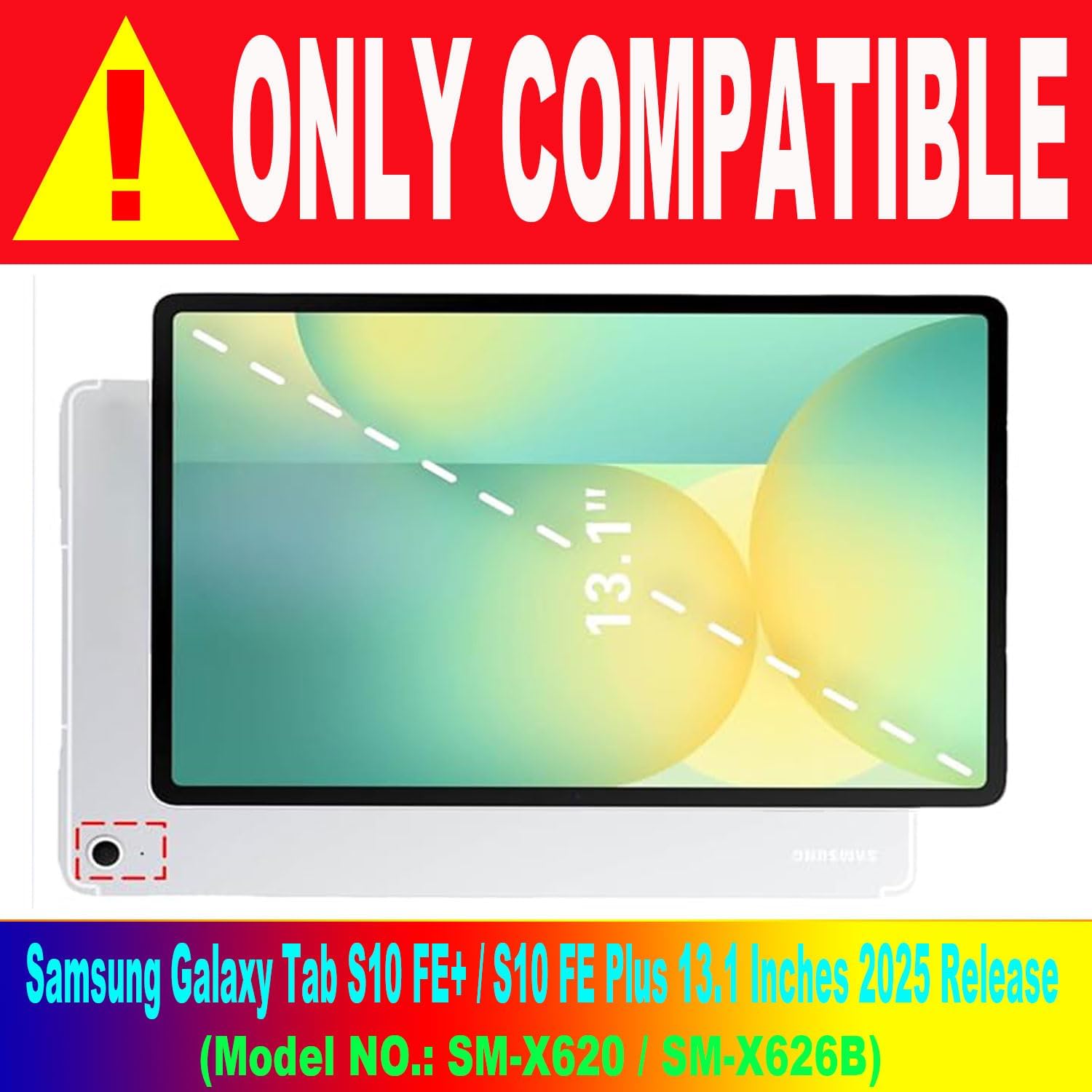
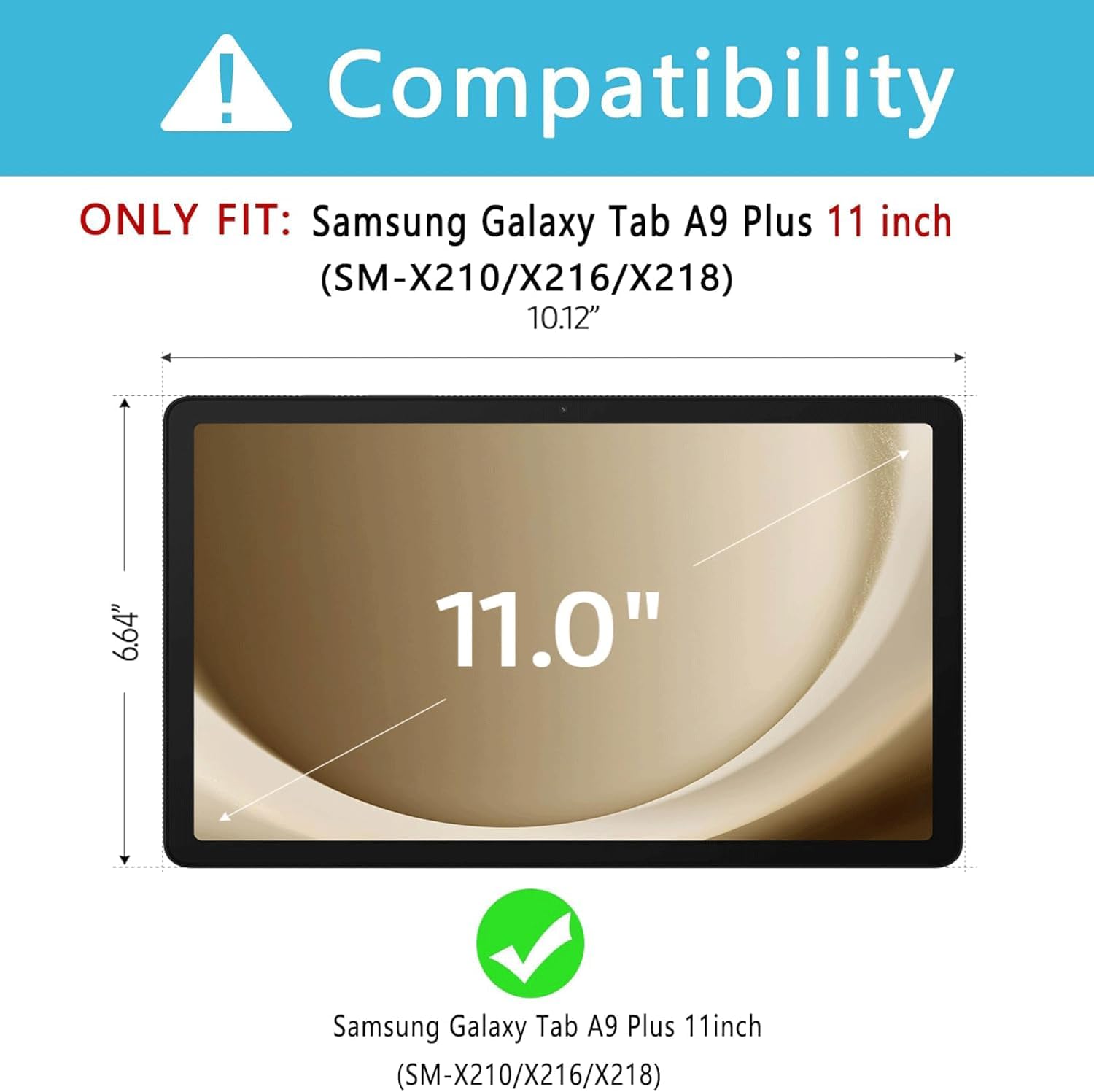
- Keyboard Case for Samsung Galaxy S10 fe+. This bluetooth tablet keyboard case is universally compatible with Samsung Galaxy Tab S10+ Plus 13.1 inch 2025 released (Model: SM-X620/X626B), please you carefully check your tablet model before purchase it
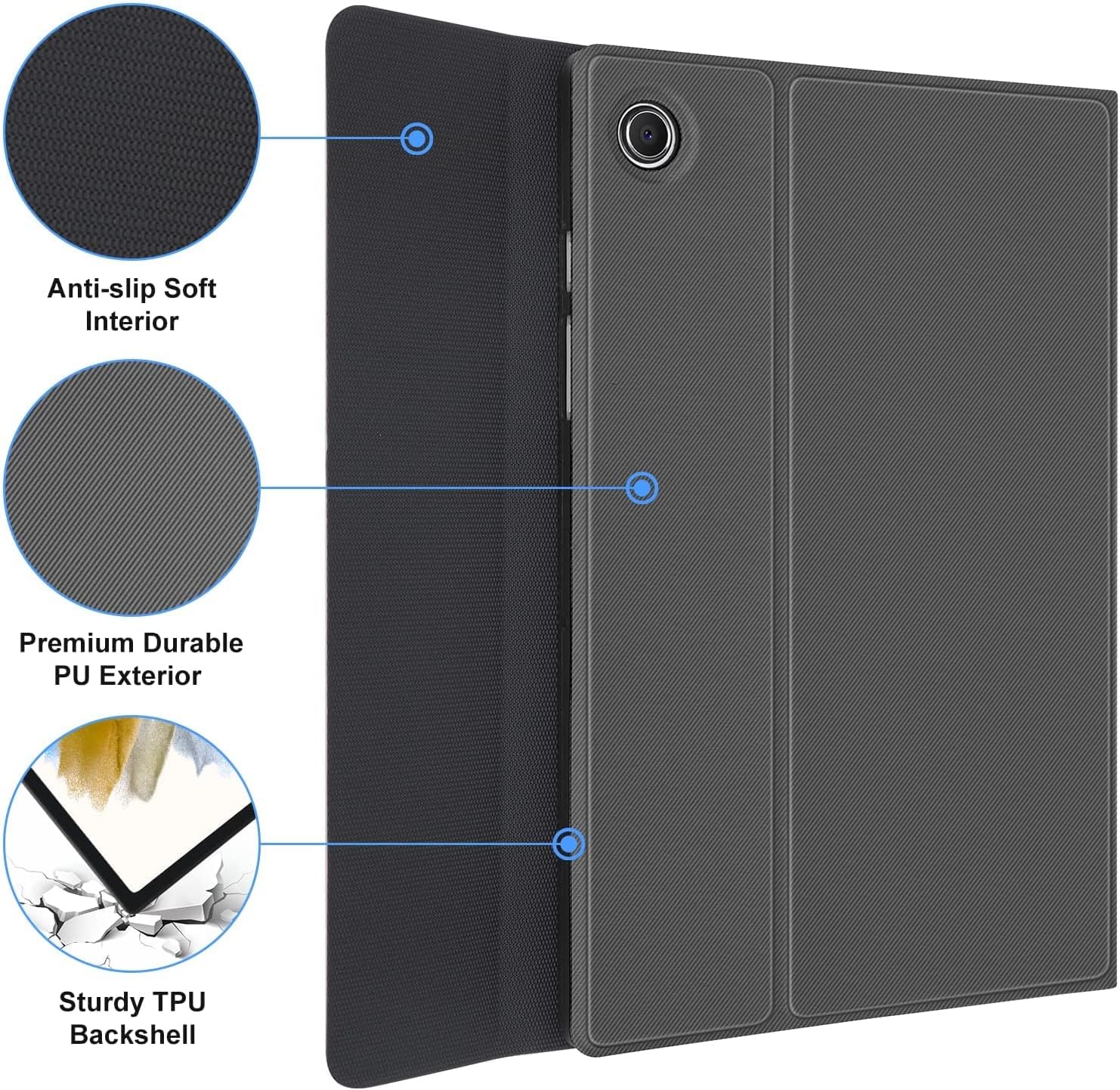
- Keyboard Case for Samsung Galaxy s10 fe plus. Durable silicone Soft cover and anti-slip rubber-lined interior provide full protection for your tablet, greatly reduces the damage to your tablet caused by collisions. Premium polycarbonate shell locks your tablet in place and absorbs drops and bumps
- 13.1 Inch Keyboard Case for Tab S10 fe+. Magnetically bluetooth detachable slim 7mm and light weight portable bluetooth keyboard with 11M range. Slim design adds maximum protection with minimal bulk. Supports All-new S Pen magnetic and wireless charging when keyboard case is turning on
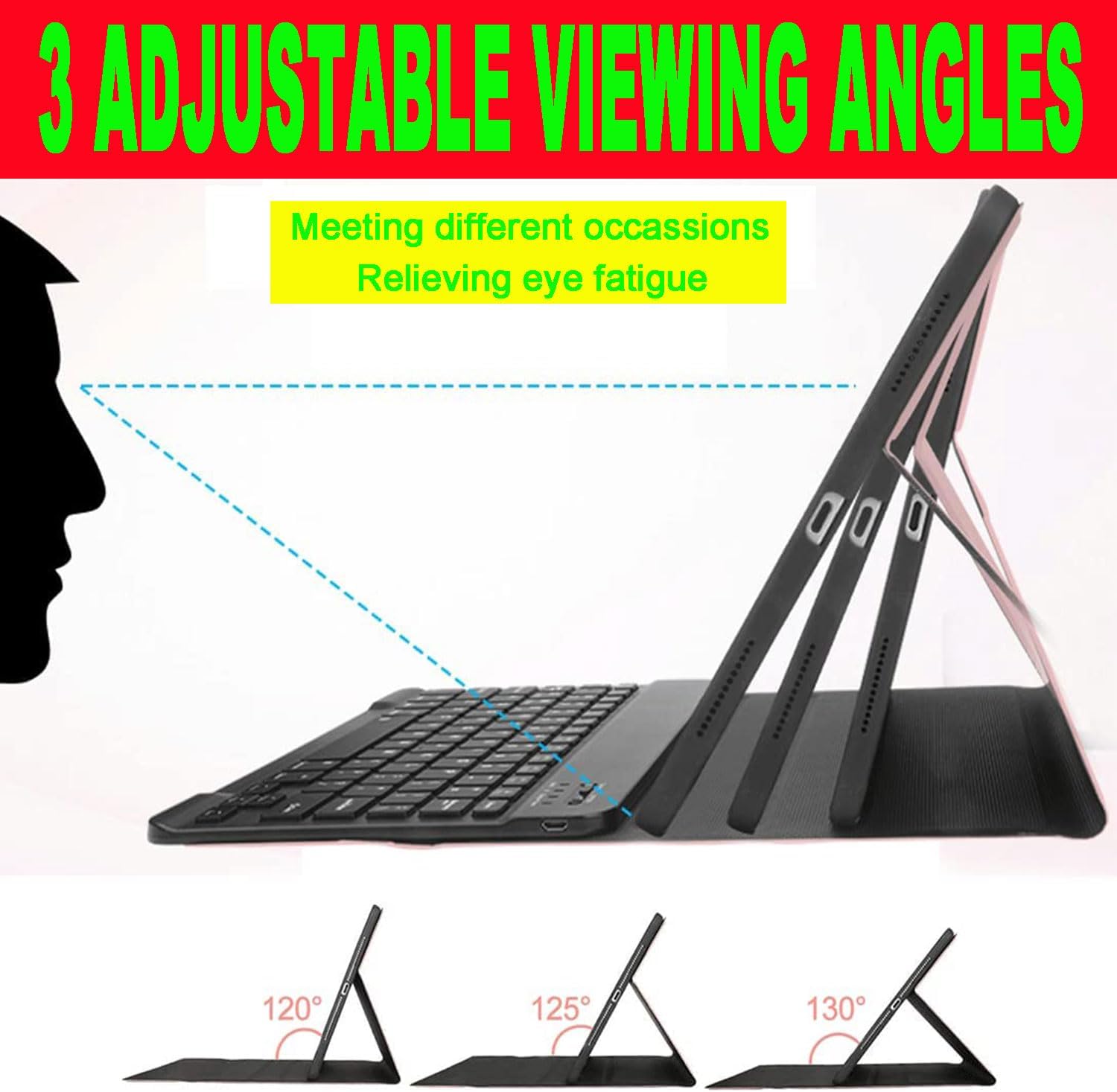
- Bluetooth Keyboard Case for Samsung Galaxy 10 fe plus. The removable keyboard is used as part of the stand for the tablet. Move the keyboard more forward or backward along the cover of the case, you can adjust the angle of the tablet to your preference
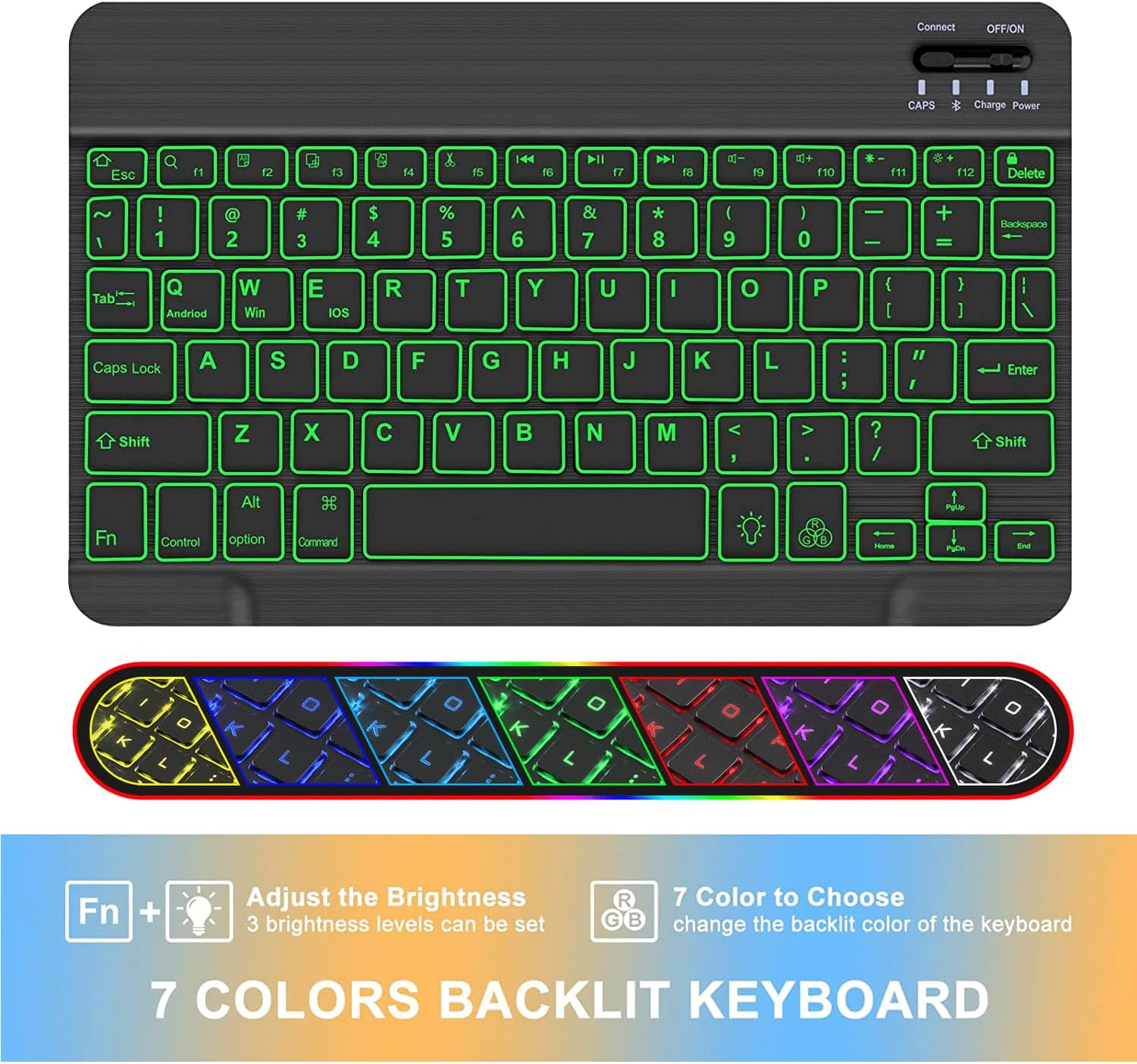
- Smart Keyboard Case for Tab S10 fe+. Real hard laptop style keyboard with high end ABS material. A spring mechanism underneath each key ensures a tactile response with every stroke, helping you to type faster and with less error than on a touchscreen. Life of keys can be suffered 5 million of clicks. Kindly Note: Support auto sleep/wake function when folden the case
| Batteries | 2 Lithium Ion batteries required. (included) |
|---|---|
| Item Weight | 0.353 ounces |
| Manufacturer | HAASHADA |
| Item model number | ZH-S10FE+PIW |
| Product Dimensions | 12.99 x 10.04 x 1.57 inches |
























Bestseller ranking
3-12 months

Customers who viewed this product also viewed
Spices and Seasonings

Correction of product information
If you notice any omissions or errors in the product information on this page, please use the correction request form below.
Correction Request Form